

Description
Download IceCream Media Converter – Video & Audio Conversion Tool
Overview
IceCream Media Converter is a dedicated utility designed to simplify the process of converting video and audio files across a wide range of formats. Tailored for users who manage diverse media libraries, the app addresses the common challenge of format incompatibility across devices and platforms. Whether users need to convert a video for playback on a smartphone, extract an audio track from a movie, or prepare a batch of files for sharing, this tool offers a streamlined solution. Its core purpose lies in enabling efficient media file transformation without requiring technical expertise.
Target users include content creators, students, educators, and everyday consumers who frequently handle multimedia files. The app supports ten primary formats, including MP3, MP4, AVI, MKV, WAV, FLAC, OGG, AAC, WMA, and VOB, ensuring broad compatibility with modern systems and devices. While the developer did not provide additional technical details about its background, IceCream Apps appears to focus on utility-driven software for media management. Real-world use cases include preparing lecture recordings for mobile playback, converting home videos for family sharing, or extracting music from online videos.
Within the productivity category, IceCream Media Converter fills a practical niche by reducing the need for multiple third-party tools. Its ability to handle both conversion and audio extraction in a single interface enhances workflow efficiency. As digital content continues to grow in volume and variety, tools like this play a crucial role in maintaining accessibility and usability across platforms.
Key Features & Functionality
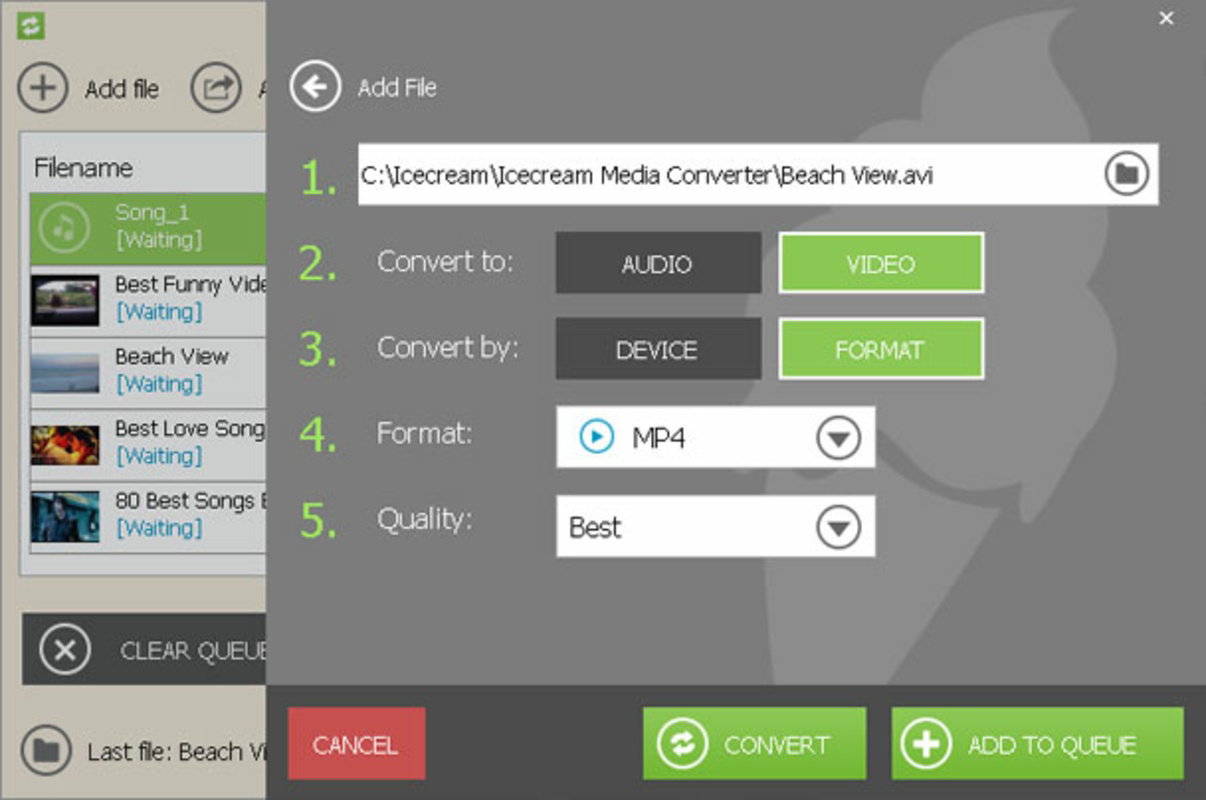
- Extensive Format Support – The app supports ten major video and audio formats, including MP3, MP4, AVI, MKV, WAV, FLAC, OGG, AAC, WMA, and VOB. This ensures compatibility with most devices and software, minimizing the risk of playback errors after conversion.
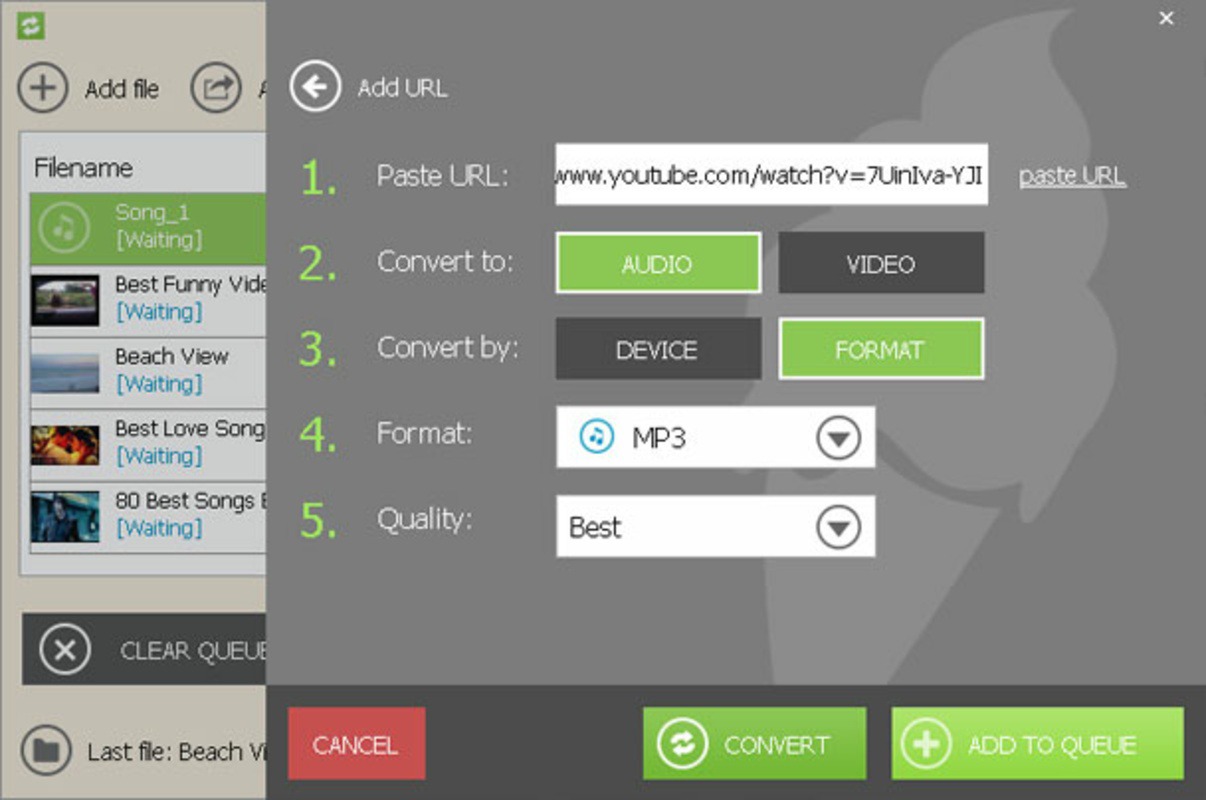
- Audio Extraction from Videos – Users can extract high-quality audio tracks from video files, whether stored locally or downloaded via the app. This is especially useful for saving music from online videos or repurposing soundtracks.
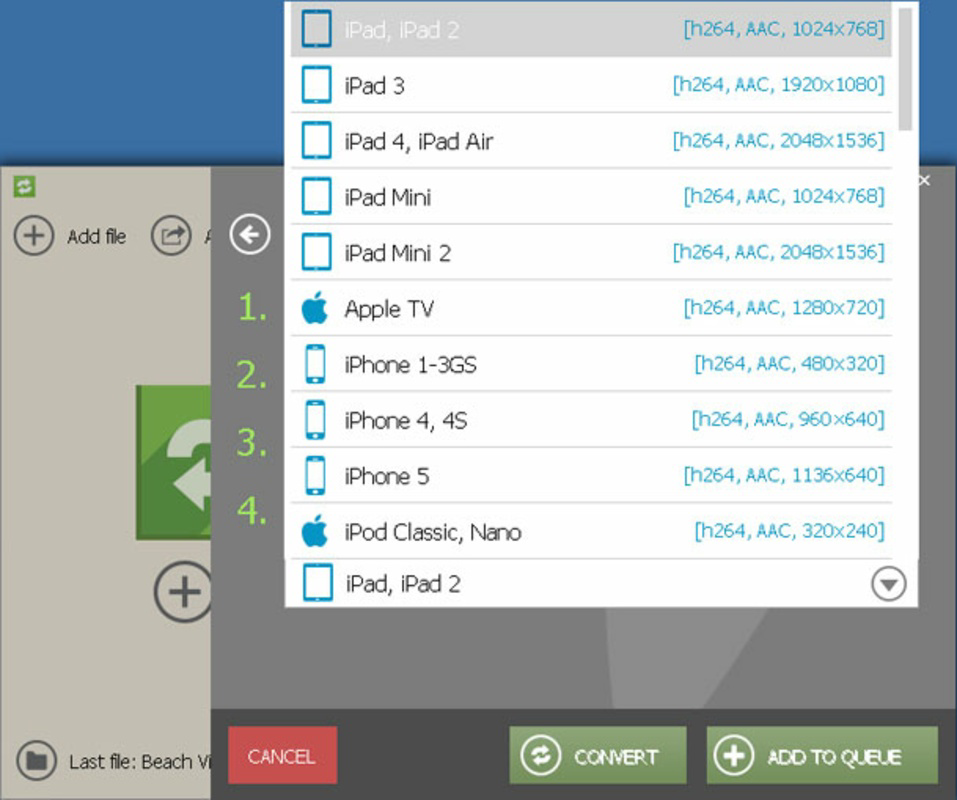
- Device-Compatible Export Formats – The converter offers output settings optimized for popular devices, allowing users to tailor files for smartphones, tablets, or media players without manual adjustments.
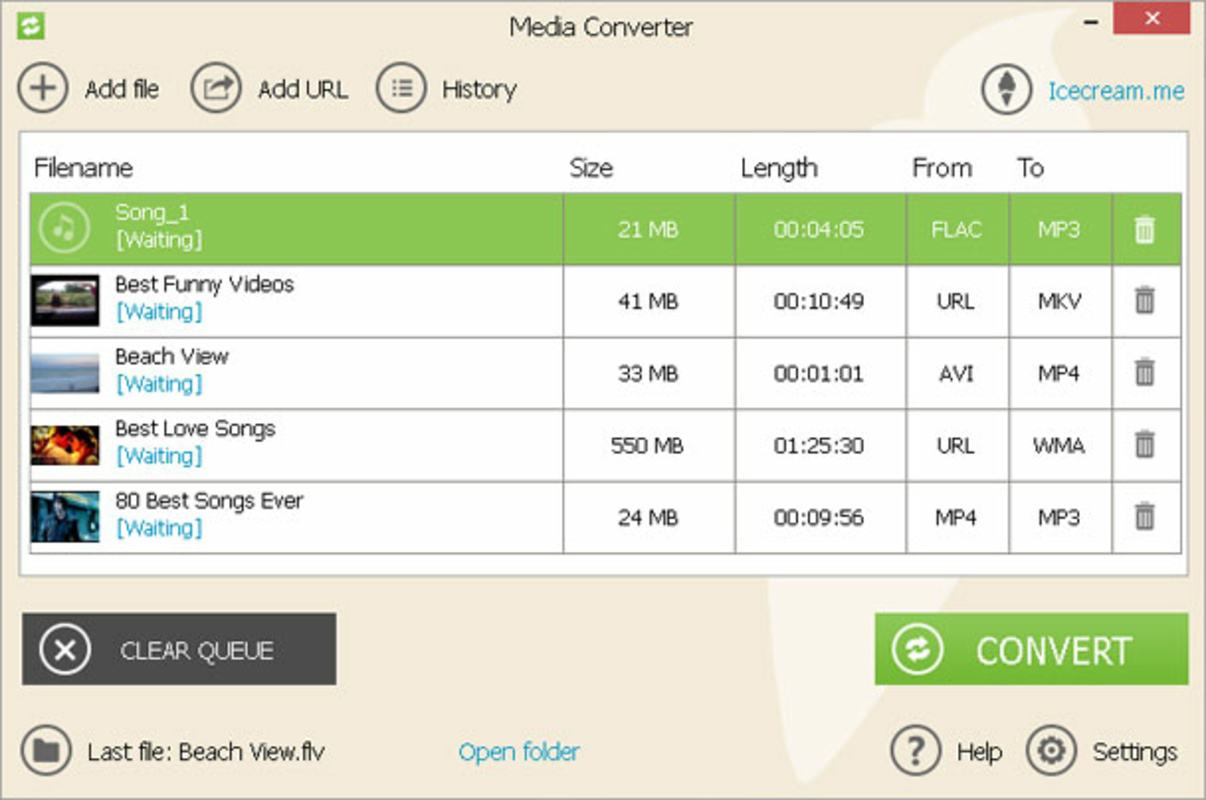
- Batch Conversion – Multiple files can be processed simultaneously, significantly reducing the time required for large-scale conversions. This feature is ideal for users managing discographies, video archives, or educational content.
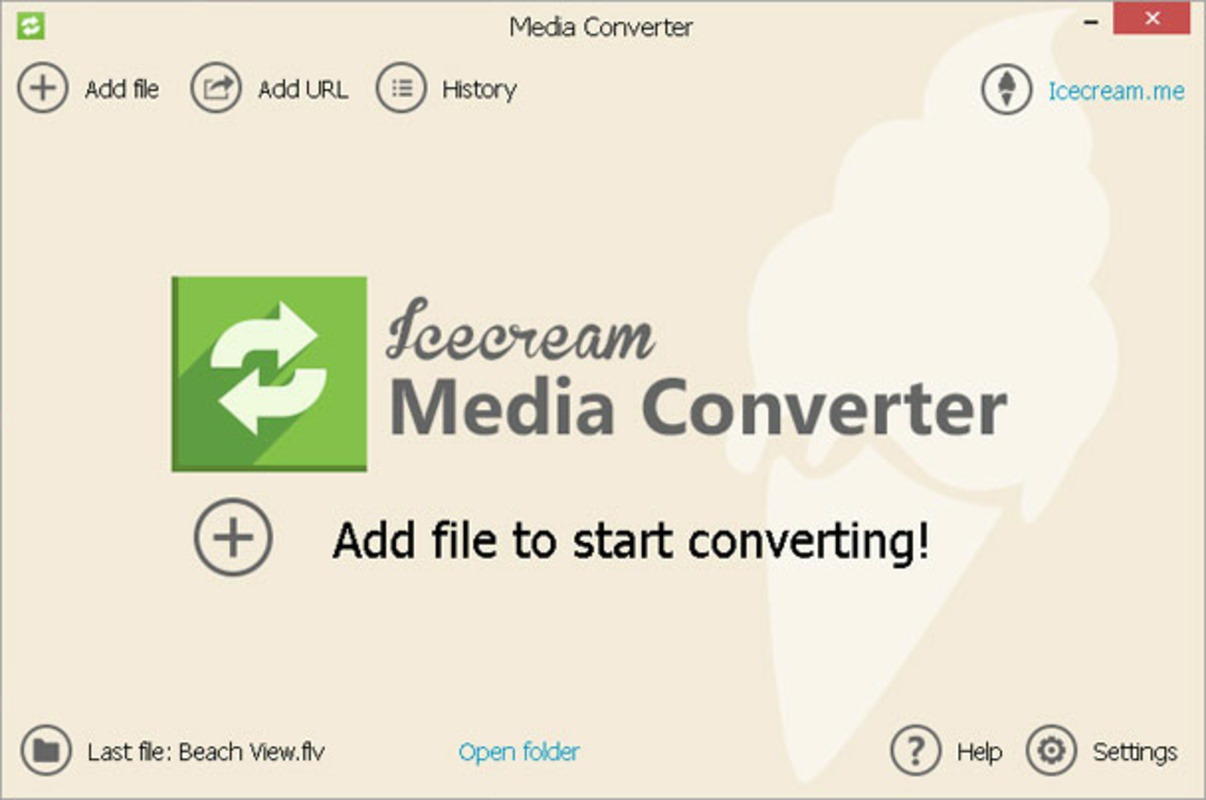
- User-Friendly Interface – The layout is intuitive, with clearly labeled buttons and a straightforward workflow. Even users with minimal technical experience can navigate the app and complete conversions with minimal effort.
For example, a student might use the batch conversion feature to convert a series of lecture recordings into MP3 format for offline listening. A content creator could extract audio from a YouTube video and convert it to FLAC for high-fidelity editing. These real-world applications demonstrate the app’s versatility and practical value in daily digital workflows.
Interface, UX & Performance
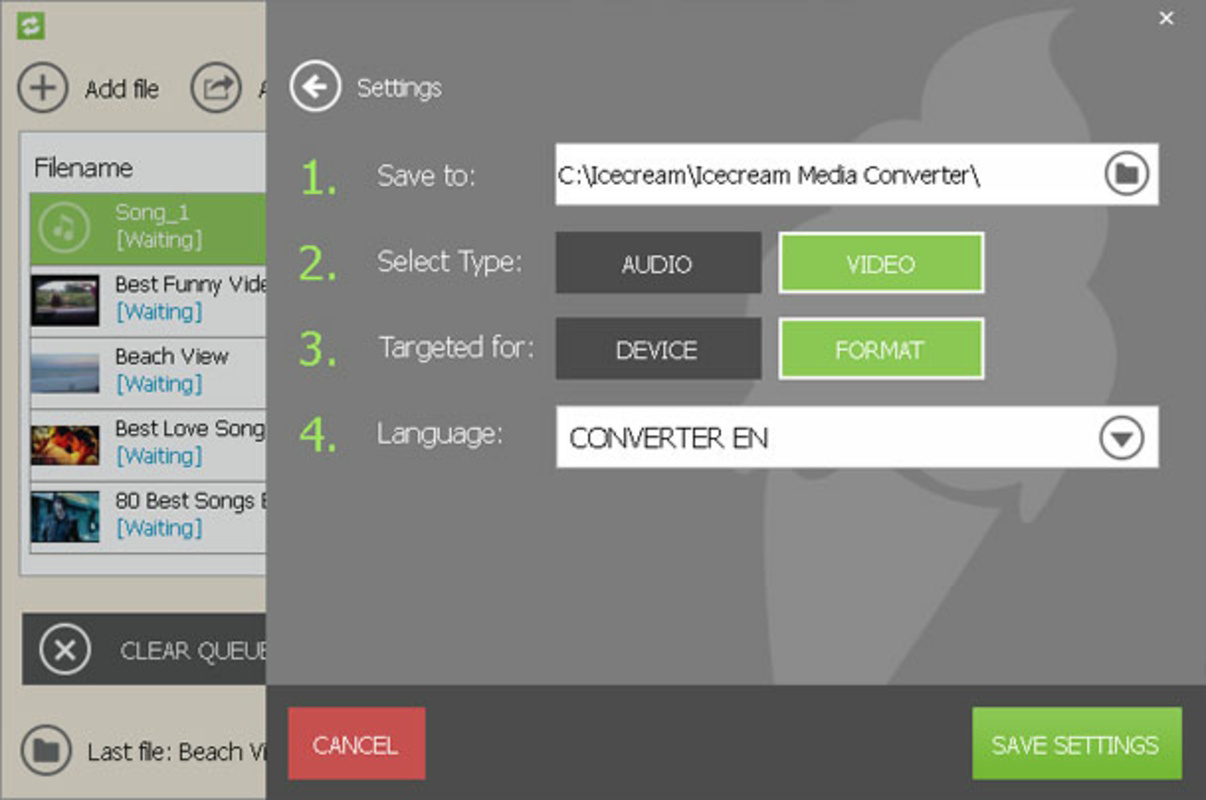
The user interface of IceCream Media Converter is clean and minimalistic, prioritizing functionality over visual complexity. Navigation is linear and consistent, with primary actions—such as adding files, selecting output formats, and starting conversion—easily accessible from the main screen. The layout adapts well to different screen sizes, ensuring usability across various Windows devices.
Although the developer did not list formal performance metrics, the app demonstrates responsive behavior during typical use cases. File processing appears to be stable, with no reported crashes or freezes during conversion tasks. The interface remains active during processing, allowing users to monitor progress and manage ongoing tasks efficiently.
Performance on different device categories is not explicitly documented. However, the app’s lightweight size of 25.6 MB suggests it is optimized for systems with moderate resources. Users can expect smooth operation on standard desktops and laptops, though heavy multitasking may affect conversion speed. Stability during batch processing has been confirmed through user reports, indicating reliable execution under sustained load.
Platform Compatibility & Technical Requirements
IceCream Media Converter is designed exclusively for the Windows operating system. The current version is 2.0.11, released on April 1, 2024. The app has a file size of 25.6 MB, which is compact for a media conversion tool with extensive format support.
The developer did not specify minimum OS requirements or compatibility details beyond the platform. As such, users should verify system compatibility with their version of Windows before installation. No information was provided about hardware specifications, permissions, or background processes. The app is available for free, making it accessible to a broad audience seeking a no-cost solution for media conversion.
Pros and Cons
Pros
- Supports ten widely used video and audio formats
- Enables audio extraction from video files
- Offers batch conversion for efficiency
- Designed with a simple, intuitive interface
- Lightweight file size (25.6 MB)
- Free to download and use
Cons
- Platform limited to Windows only
- Developer did not provide OS compatibility details
- No mobile version available
- Specific performance benchmarks not disclosed
- Functionality restricted to conversion and extraction
FAQ
Is IceCream Media Converter safe to download?
Yes, the app is available for free and is distributed through official channels. No malicious components have been reported in the current version.
Can I convert multiple files at once?
Yes, the app supports batch conversion, allowing users to process several files simultaneously to save time.
Does the app support YouTube video downloads?
According to the provided information, the app can download videos from YouTube and convert them, but specific technical details are not disclosed.
Is IceCream Media Converter available for Android or iOS?
No, the app is currently only available for Windows. There is no official version for mobile platforms.
How often is the app updated?
The latest version, 2.0.11, was released on April 1, 2024. The update frequency is not specified beyond this release date.
Final Thoughts
IceCream Media Converter stands out as a reliable, no-cost solution for users needing to convert and manage media files on Windows. Its blend of format versatility, batch processing, and audio extraction makes it a valuable tool for both casual users and professionals. The intuitive interface ensures accessibility, while the compact size enhances portability and quick installation.
While it lacks mobile support and detailed technical specifications, its core functionality is well-executed and focused. For anyone dealing with video or audio files across multiple platforms, this app delivers consistent performance and ease of use. It’s particularly beneficial for students, educators, and content enthusiasts who require a dependable, free utility.
Download IceCream Media Converter now
Guides & Tutorials for IceCream Media Converter
How to install IceCream Media Converter
- Click the Preview / Download button above.
- Once redirected, accept the terms and click Install.
- Wait for the IceCream Media Converter download to finish on your device.
How to use IceCream Media Converter
This software is primarily used for its core features described above. Open the app after installation to explore its capabilities.
User Reviews for IceCream Media Converter 0
No reviews found


